
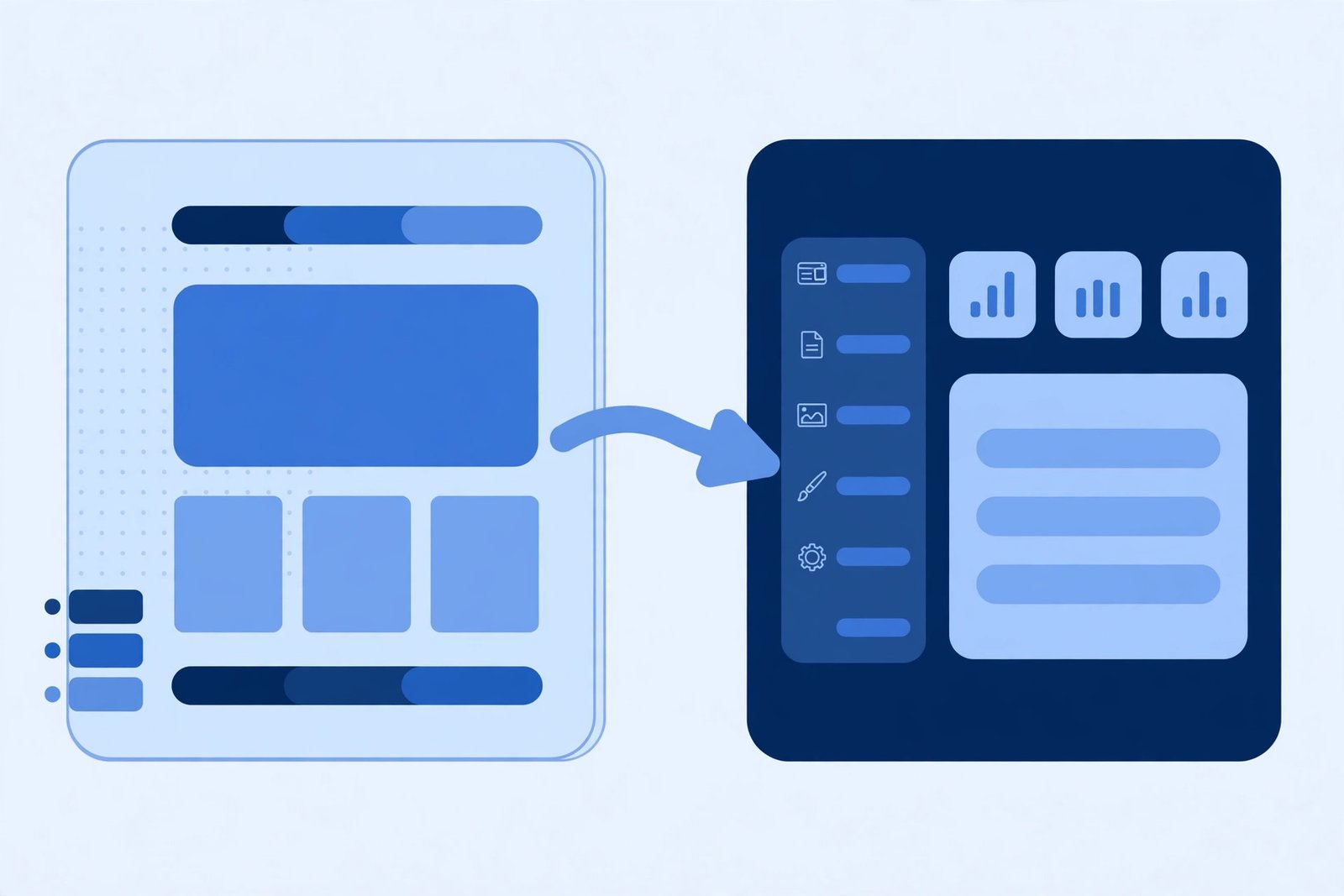
Webflow is a great home for a Figma design. It is fast to build in, easy to edit, and the hosting is handled for you. But it is not the right answer for every project. Figma to WordPress is often the better choice when a website needs to grow beyond a simple marketing site. If you need plugins, a large blog, membership features, or full control over your hosting and data, WordPress gives you room that Webflow does not. This guide explains when WordPress beats Webflow, when Webflow is still the better pick, and what a good Figma to WordPress build should include.
The short answer: it depends on what the site has to do
The choice between WordPress and Webflow is not about which platform is better in general. It is about what your website needs to do now, and what it will need to do in a year. Webflow works best for smaller, design-led websites: a company site, a landing page, or a portfolio that changes rarely. WordPress works best for websites that need to scale, connect to other tools, or publish a lot of content. If your Figma design is for a site that will stay fairly simple, Webflow will probably be quicker and cheaper. If the site is the centre of your marketing, sales, or content, WordPress is usually the safer long-term bet.
When WordPress wins
You need plugins and integrations
WordPress has a plugin for almost everything: booking systems, online courses, membership areas, advanced forms, multilingual sites, and integrations with CRMs and email tools. Many of these exist in Webflow too, but usually through third-party services that add monthly cost and complexity. With WordPress, the feature lives inside your website. That keeps the setup simpler and often cheaper over time.
Your content is large or complex
If you plan to publish blog posts every week, build a resource library, or manage hundreds of pages, WordPress was built for that. Its editor, categories, and search handle large amounts of content well, and there are mature SEO tools for managing it all. Webflow’s CMS is good, but it has limits on collection items and fields that can become a problem as a content library grows.
You want full ownership and control
With WordPress, you choose your hosting, you own your files and database, and you can move the site to another host at any time. You are not tied to one company’s pricing or platform decisions. That control matters for businesses that see their website as a long-term asset rather than a short-term project.
Budget and hosting flexibility
WordPress itself is free, and hosting can start very cheaply. For larger sites, you can pick a host that fits your traffic and budget. Webflow’s pricing is simple and predictable, but it rises as you add CMS items, editors, or sites, and there is no way to move the site elsewhere without rebuilding it.
When Webflow is still the better choice
WordPress is not always the answer. Webflow is the better pick when:
- The site is mainly a design showcase, with a small number of pages.
- You want a visual editor your team can use without touching code or plugins.
- You do not need advanced features like membership, e-commerce, or complex integrations.
- You want hosting, security, and updates handled for you, with no maintenance to think about.
For many small business sites, that simplicity is worth more than WordPress’s flexibility. The right choice is the one that fits how your team actually works.
Figma to WordPress vs Figma to Webflow: a quick comparison
| Factor | WordPress | Webflow |
|---|---|---|
| Best for | Large content sites, blogs, membership, e-commerce | Design-led marketing sites and landing pages |
| Plugins and integrations | Huge library, most features built in | Smaller range, often via third-party tools |
| Content management | Built for large libraries and many authors | Good CMS, with limits on items and fields |
| Ownership | Full control, move hosts freely | Hosted only on Webflow |
| Maintenance | Updates and backups are your responsibility | Handled by Webflow |
| Design fidelity | Excellent, when built well from Figma | Excellent, with direct visual control |
What a good Figma to WordPress build looks like
A good conversion starts in Figma, not in WordPress. Before any building begins, the design file should be clean: named layers, consistent spacing, a defined type scale, and responsive layouts for tablet and mobile. The build itself should use a lightweight, well-supported theme or a custom theme, not a heavy page builder stacked with plugins. Every page should be checked against the Figma design, section by section, so the finished site matches the design closely. Performance matters too. Images should be compressed, fonts loaded efficiently, and only the plugins the site genuinely needs should be installed. A WordPress site with twenty plugins will always be slower and harder to maintain than one with five. Finally, the site should be easy for the client to edit. Pages and posts should be editable in the block editor, with reusable blocks for repeated sections like testimonials and calls to action.
Common mistakes to avoid
The most common mistake is choosing WordPress for the wrong reason — because it is familiar, or because someone said it is always better. The platform should follow the project’s needs, not the other way around. Another common mistake is overloading the site with plugins. Each plugin adds code, security risk, and update work. If a feature can be built cleanly into the theme, it usually should be. A third mistake is skipping the responsive work in Figma. A design that only exists for desktop will lead to guesswork on mobile, and the finished site will show it. Good responsive layouts should be part of the design file before conversion starts.
FAQ
Is Figma to WordPress more expensive than Figma to Webflow?
It can be, because a WordPress build often involves more setup: hosting, theme work, and plugin configuration. But the long-term cost is often lower, because you are not paying per-site platform fees and you can change hosts if prices rise.
Can a WordPress site look exactly like my Figma design?
Yes. A well-built WordPress theme can match a Figma design closely, including animations, custom layouts, and responsive behaviour. The result depends on the quality of the build, not on the platform.
Should I move an existing Webflow site to WordPress?
Only if you have a clear reason: a feature Webflow cannot do well, a content library that has outgrown it, or costs that keep rising. Moving a site takes time and carries SEO risk if redirects are not handled properly, so it should be a planned project, not a quick switch.
Which is better for SEO, WordPress or Webflow?
Both can rank well. WordPress has an edge for larger sites because of its SEO plugins, content tools, and control over technical details. Webflow has an edge for speed out of the box. Good content and a fast, well-built site matter more than the platform itself.
Final thoughts
WordPress beats Webflow when your website needs to grow: more content, more features, more integrations, and more control. Webflow wins when simplicity and design speed matter most. The best way to decide is to look at what the site needs to do in the next two years, not just what it needs today. If the answer involves plugins, a large blog, or features Webflow cannot handle, a Figma to WordPress build is the right investment.
If you are planning a Figma to WordPress project, get a free quote and we will talk through the best approach for your design.