
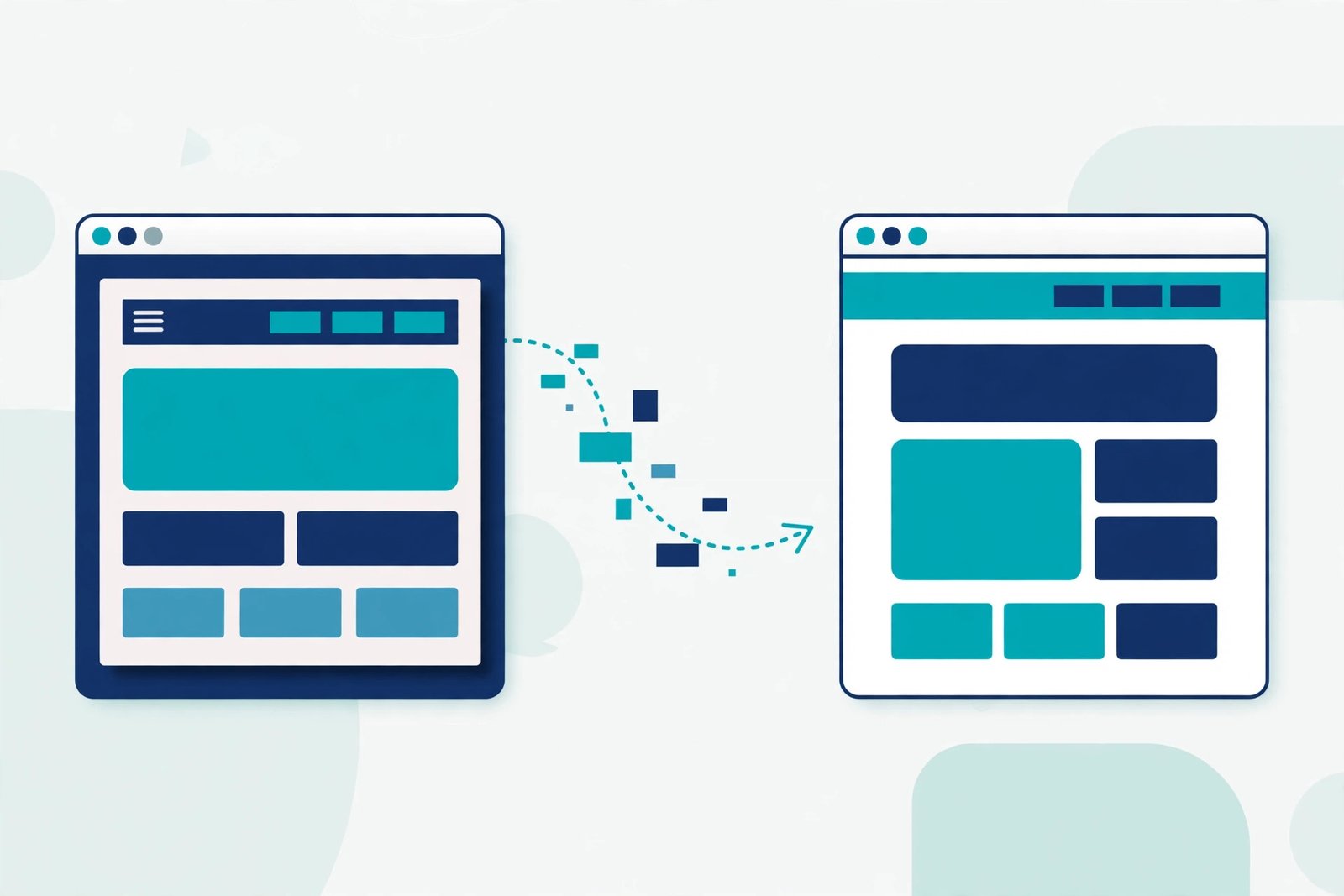
Moving a website from WordPress to Webflow is not a single click. It is a rebuild: your design, pages, content and search rankings all have to be carried across to a different platform, and each step takes time.
The honest answer is that it depends on the size of your site and how much of it needs to change along the way. A small brochure site can be live on Webflow in a week or two. A large site with hundreds of pages, a blog and custom features can take two months.
This guide gives you realistic timelines and explains what slows a migration down.
The short answer: typical migration timelines
Most WordPress to Webflow migrations fall into one of three bands.
| Site size | Pages | Typical timeline |
|---|---|---|
| Small site | Up to 10 pages | 1–2 weeks |
| Medium site | 10–50 pages, plus a blog | 2–4 weeks |
| Large or complex site | 50+ pages, CMS, forms or integrations | 4–8 weeks |
These are build times, not waiting times — slow feedback from your side can stretch the calendar time.
1. Small sites: 1–2 weeks
A small WordPress site — a homepage, a few service pages, a contact page and maybe a short blog — is the fastest kind of migration. The design can be rebuilt in Webflow in a few days, content copied across page by page, and the launch checklist is short.
Missing content can still slow a small migration down: if images, logos or text need to be supplied or rewritten, the build waits. With everything ready on day one, a small site usually launches within two weeks, including testing and redirects.
2. Medium sites: 2–4 weeks
A medium site has more to move. A blog with dozens of posts must be rebuilt as a Webflow CMS collection, with categories, authors and dates carried across, and every page URL mapped one by one. Forms, menus and internal links all need checking.
Two to four weeks is realistic for this most common size, when the scope is agreed up front. The biggest time cost is usually the blog. Moving fifty posts by hand is slow, so a good migration plan decides early which posts are worth keeping.
3. Large or complex sites: 4–8 weeks
Large sites take longer for three reasons: volume, features and dependencies. Hundreds of pages take time to rebuild and check, and anything custom — a membership area, a booking system, an online shop, or a tool built on WordPress plugins — has to be rebuilt in Webflow or replaced.
At this size, expect a proper discovery phase first, where every page and feature is listed and a decision is made about what moves, what changes and what gets dropped. Rushing a large migration is how rankings and functionality get lost.
What affects the timeline
Five factors decide how long your migration takes:
- Number of pages and posts. Every page has to be rebuilt and checked. A site with 200 pages takes far longer than one with 12, even if the design is the same.
- Design changes. Copying the existing design is faster than redesigning it. A redesign adds time for design review and approvals.
- Content quality. Outdated pages, missing images and unwritten text all pause the build. Content that is ready on day one keeps the project moving.
- Custom features. Forms, search, filters, member areas and third-party tools each need a Webflow solution. Plugins do not move across — they have to be replaced.
- SEO and redirects. A proper redirect map and SEO checks take real time on larger sites. Skipping them is faster in the short term and expensive later.
What actually happens during the migration
A well-run migration follows the same stages every time, whatever the size of the site:
- Audit and plan. Every page, post and feature is listed. The new site structure is agreed, and a redirect map is started.
- Build. The design is rebuilt in Webflow, the CMS is set up for the blog or other collections, and content is moved across.
- SEO setup. Page titles, meta descriptions, heading structure, image alt text and redirects are set up, and the old URLs are matched to the new ones.
- Test. The site is checked on desktop and mobile, forms are tested, links are clicked, and speed is checked.
- Launch. The domain is pointed at Webflow, the site goes live, and the first days are watched for errors or missing pages.
These stages help you judge any timeline you are given. If a quote skips the SEO setup or the testing stage, the timeline is incomplete, not realistic.
SEO: the part that takes the most care
The riskiest part of any platform move is not the design. It is the search traffic. Your pages have rankings, and those rankings belong to your URLs. If the URLs change without redirects, the traffic drops.
That is why a redirect map matters: every old WordPress URL should point to the right new Webflow page. On a small site this is a short list; on a large site it can be hundreds of rows, and checking it properly takes days, not hours.
Our step-by-step migration guide explains the full process, including how redirects work and what to check before launch.
How to keep your migration on schedule
Most of what keeps a migration fast happens before the build starts:
- Decide what stays and what goes — old, thin or irrelevant pages can be dropped, which saves build time and improves the new site.
- Have your content ready. Final text, images and brand assets should be in one place before the build begins.
- Agree the scope in writing. Page count, CMS setup, forms and features should be listed before work starts, so nothing is added halfway through.
- Answer feedback quickly. Most migrations stall on approvals, not building, and a same-day answer on a design or content question saves days overall.
- Plan the launch date around your business. Avoid launching during a busy sales period or a big campaign, so there is time to fix anything that shows up.
FAQ
Can I migrate from WordPress to Webflow myself?
A very small site can be moved by hand if you know both platforms. For anything with a blog, more than a few pages, or search traffic worth protecting, a professional migration is safer — the redirect map and SEO checks are where most DIY moves go wrong.
Will I lose my Google rankings when I migrate?
Not if it is done properly. Keep your page structure as close as possible, set up a redirect for every old URL, and check the new site before launch. A short dip is normal while Google re-crawls, but a well-planned move recovers quickly.
Should I redesign my site during the migration?
It depends on your budget and timeline. A straight migration is faster and cheaper, but if your design is outdated, combining the move with a redesign saves you from rebuilding twice — at the cost of a few extra weeks. Our Webflow services cover both options.
Final thoughts
A WordPress to Webflow migration takes one to two weeks for a small site, two to four weeks for a medium one, and four to eight weeks for a large or complex one — depending on page count, design changes, and the care put into the SEO side of the move.
The fastest migrations are not the rushed ones. They are the planned ones: content ready, scope agreed, redirects mapped, launch tested before the domain is switched.
If you are planning a move and want a realistic timeline for your site, get a free quote and we will take it from there.