
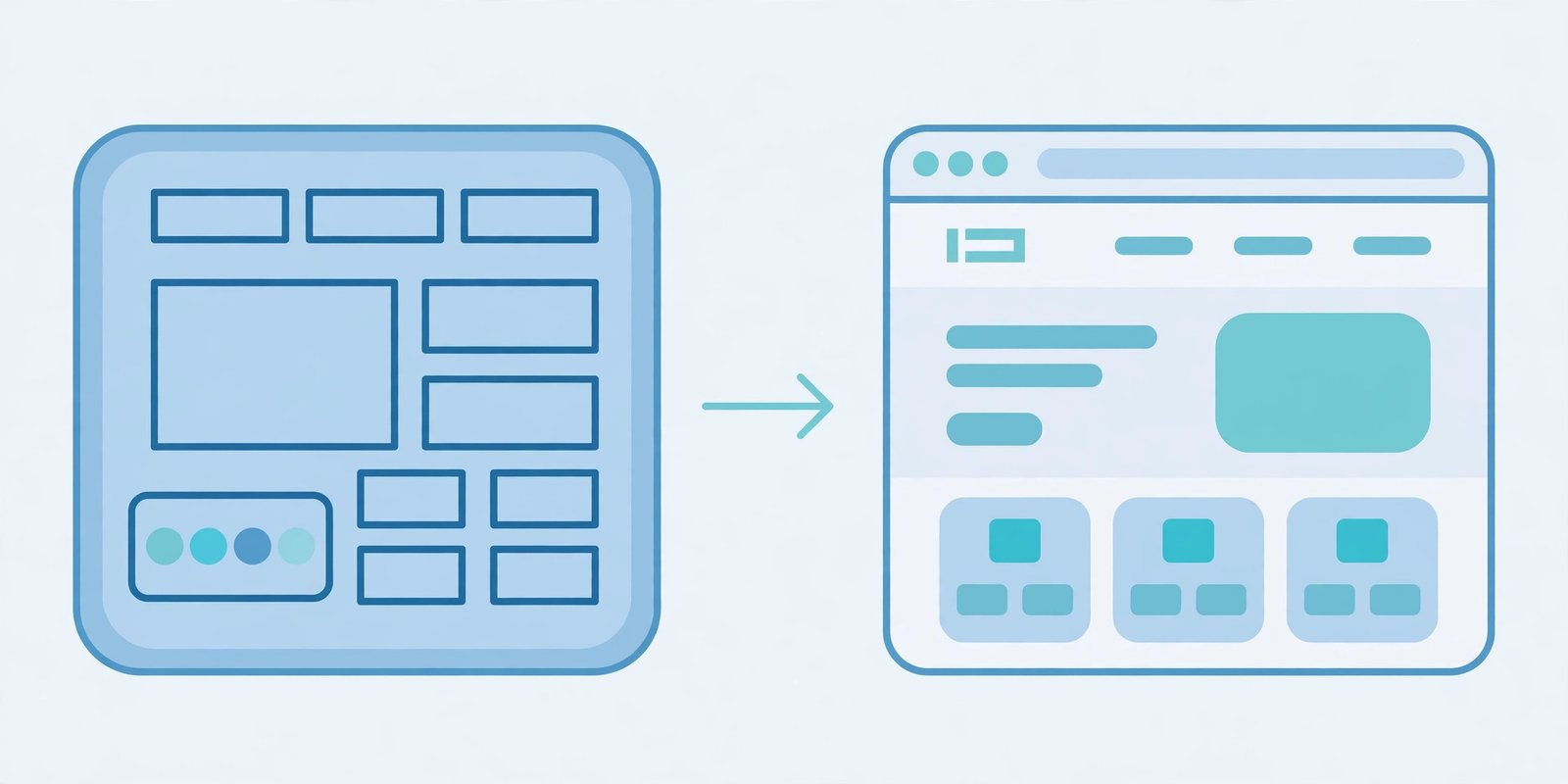
If your website is already designed in Adobe XD, you have two ways to get it live on Webflow: convert the XD design into Webflow, or rebuild the site in Webflow from scratch. Both routes end with a working Webflow website, but they take very different paths to get there — and the better choice depends on how finished your XD file is, how closely the live site must match the design, and how the site needs to grow after launch.
This guide compares the two approaches on the things that matter most: design control, speed, cost, and flexibility after launch. By the end, you will know which route fits your project — and when a mix of both is the smartest move.
What Adobe XD to Webflow conversion actually means
Converting an Adobe XD design to Webflow means a developer rebuilds your XD screens inside Webflow, section by section. XD has no direct export to Webflow, so the work is manual: the layout, spacing, typography, colours and images from your artboards are recreated using Webflow’s Designer, with clean class names and a responsive structure. Our Adobe XD to Webflow service follows exactly this process.
The goal of a good conversion is fidelity — the live site should look like the design you approved, on desktop, tablet and mobile. That is why the quality of the XD file matters so much. A tidy file with named layers, consistent styles and complete mobile screens converts smoothly. A messy file with missing screens and placeholder text slows everything down, because the developer has to guess what you intended.
What building in Webflow from scratch looks like
Building in Webflow from scratch skips the design tool entirely. Instead of starting from XD artboards, the site is designed and built directly in Webflow. The designer works with real content, real breakpoints and real interactions from the first day, so what you review in the browser is exactly what visitors will see.
This route suits projects where the design is still taking shape. You can test ideas quickly, adjust layouts on the fly, and see responsive behaviour immediately instead of waiting for a new round of static screens. The trade-off is that design decisions happen inside the build, so you need a designer who is comfortable working in Webflow — not every designer is.
Design control: which route keeps your design intact?
If your XD design is already approved and you want the live site to match it closely, conversion is the safer choice. The design is the brief, and the developer’s job is to reproduce it faithfully. You review finished screens against the original artboards, so there are few surprises at launch.
Building from scratch gives you more freedom to change direction, but that freedom cuts both ways. Without a fixed design to follow, layouts can drift during the build, and the final site can end up looking different from what stakeholders imagined. For brand-led projects where the visual design is already signed off, that drift is a real risk.
Speed and cost compared
Neither route is always faster or cheaper — it depends on the state of your design.
| Factor | XD to Webflow conversion | Build in Webflow from scratch |
|---|---|---|
| Design time | Already done in XD | Happens during the build |
| Build time | Faster when the XD file is complete | Can be slower if design decisions are still open |
| Revisions | Cheaper — change the XD file, then rebuild the section | Can be quick, but big layout changes mean rebuilding |
| Best for | Approved designs, brand-led sites | Early-stage projects, flexible briefs |
As a rule of thumb, conversion is usually the quicker and more predictable route when the XD file is finished and well organised. Building from scratch catches up when the design would need several more rounds in XD anyway — in that case, designing directly in Webflow removes a whole step from the process.
Flexibility after launch: CMS, edits and growth
Both routes end in the same place: a Webflow site you can edit. Once the site is built, your team can update text, swap images and publish new pages through the Webflow Editor, whichever route you took. Our Webflow services cover both approaches, so the build quality and CMS setup are the same either way.
The difference is under the surface. A conversion built with clean classes and a proper CMS structure is just as easy to maintain as a from-scratch build. But a rushed conversion — one where sections are built as flat images or with messy class names — becomes hard to edit later. That is why it pays to ask how the site is structured, not just how it looks. A well-built Webflow site should be easy for your team to update without a developer for everyday changes.
When to convert your XD design to Webflow
- Your XD design is finished and approved by everyone who needs to sign it off.
- The design is detailed, with desktop, tablet and mobile screens.
- Brand consistency matters — the live site must match the design closely.
- You want a fixed scope and a predictable timeline.
When to build in Webflow from scratch instead
- Your XD file is only a rough concept, or you do not have one at all.
- The design is still evolving and you expect several rounds of changes.
- You want to test layouts and interactions with real content early.
- Speed of iteration matters more than matching a fixed design.
A hybrid route worth considering
For many projects, the best answer is a mix of both. Use your XD file as the design direction for the key pages — homepage, services, landing pages — and convert those faithfully. Then build the remaining pages, like the blog or CMS templates, directly in Webflow where flexibility matters more than pixel-perfect design. If your design is in Figma rather than XD, the same thinking applies — see our Figma to Webflow service.
This hybrid approach keeps the pages that sell your business looking exactly as designed, while the pages that change often stay easy to update. If your XD file covers the important screens but not every page, ask your developer about this option before committing to a full conversion.
Frequently asked questions
Can Adobe XD files be imported directly into Webflow?
No. There is no direct import from XD to Webflow. The design is recreated manually in Webflow, which is why the quality and completeness of the XD file has such a big effect on the time and cost of the project.
Is building in Webflow from scratch cheaper?
Not always. It can be cheaper when the design is still undecided, because you skip the design-tool stage. But if an approved XD design already exists, converting it is usually the more predictable option, since the design work is already paid for.
Will my site look the same either way?
It should, if the build is done well. A good conversion matches the XD design closely. A from-scratch build has no fixed design to match, so the final look depends on the design decisions made during the build.
Get a free quote
Not sure which route fits your project? Our team converts Adobe XD designs to Webflow and builds new Webflow sites from scratch. Contact us for a free quote and we will recommend the approach that suits your design, timeline and budget.